
Add it manually
Enter what you ate and the portion size. For packaged food, you can enter the nutrition facts from the label.
Nutrition
Log meals and track calories and macros throughout the day. Use recipes and your weekly plan to decide what to make.
Enter what you ate and the portion size. For packaged food, you can enter the nutrition facts from the label.
Scan the code on the packaging. Sana looks up the nutrition facts in Open Food Facts.
See approximate calories and macros from a meal photo. Review the portion and adjust the entry.
See the calories, protein, carbohydrates and fat you have logged in one place.
Add meals to your week and update your choices if your schedule changes.
Record what you drink and see how close you are to your daily water goal.
Sana estimates the visible foods and portions. Cooking oil, sauces and hidden ingredients can affect the result. Review the estimate, adjust the portions if needed and add the meal to your diary. Steps for estimating calories from a photo
If the product is missing from the database, create a manual entry using the packaging label.
Yes. You can edit the estimate Sana makes from your profile in Settings.
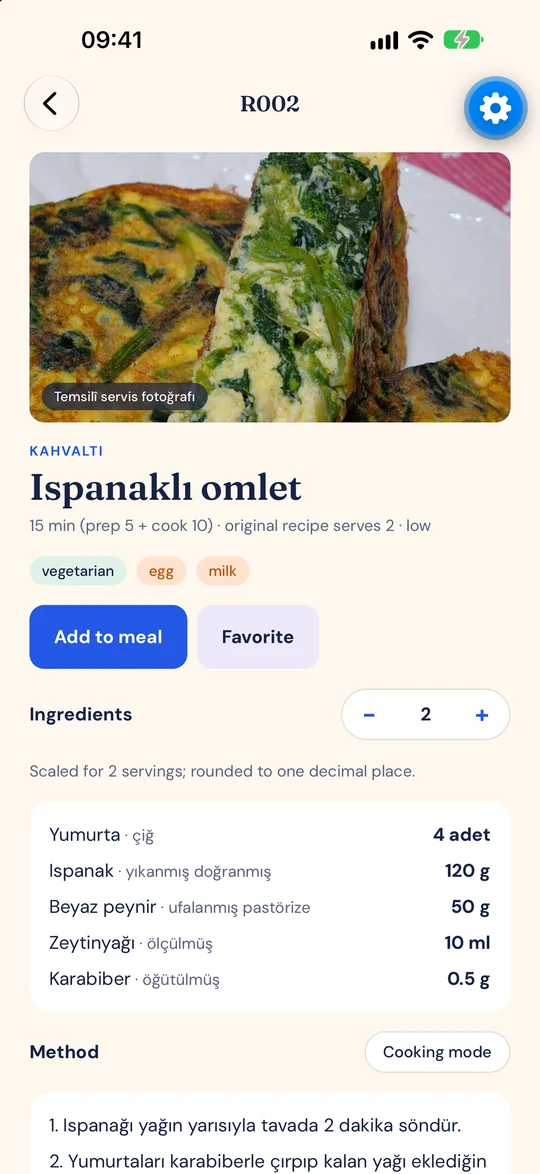
Yes. Check the portion and nutrition facts on the recipe screen, then add it to a planned meal. Use the ingredients from your chosen recipes to build a shopping list. Recipe catalogue and shopping lists