
Did I snore last night?
If you used night tracking on your phone, check whether snoring was detected and its estimated duration in your morning summary.
AI Sleep Coach
Did you snore, how long did you sleep, and how much REM sleep did you get? Review your phone and Apple Watch records with the AI Sleep Coach and compare your night summary with how you felt in the morning.
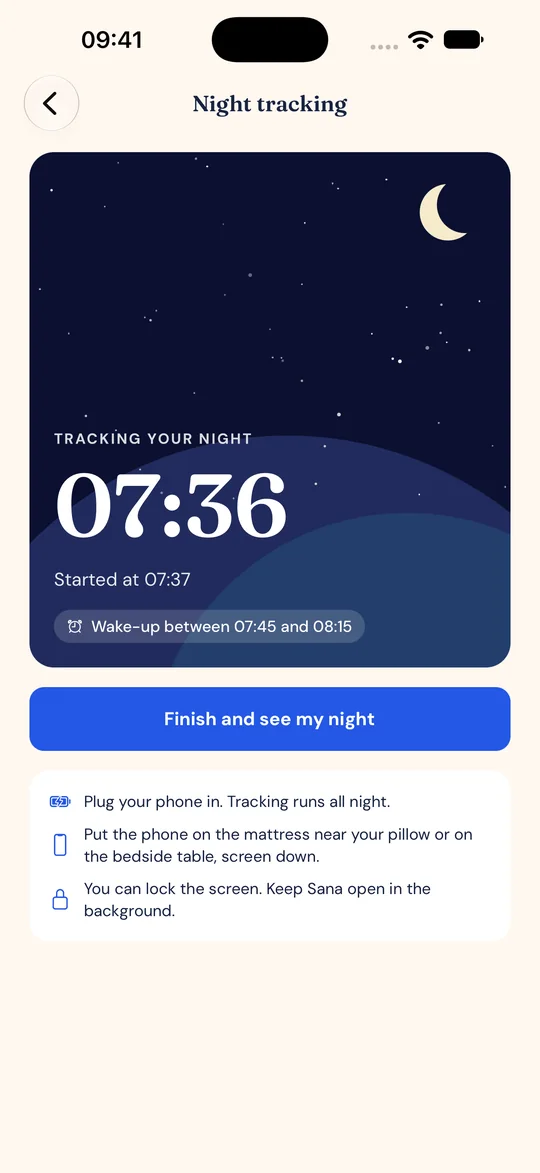
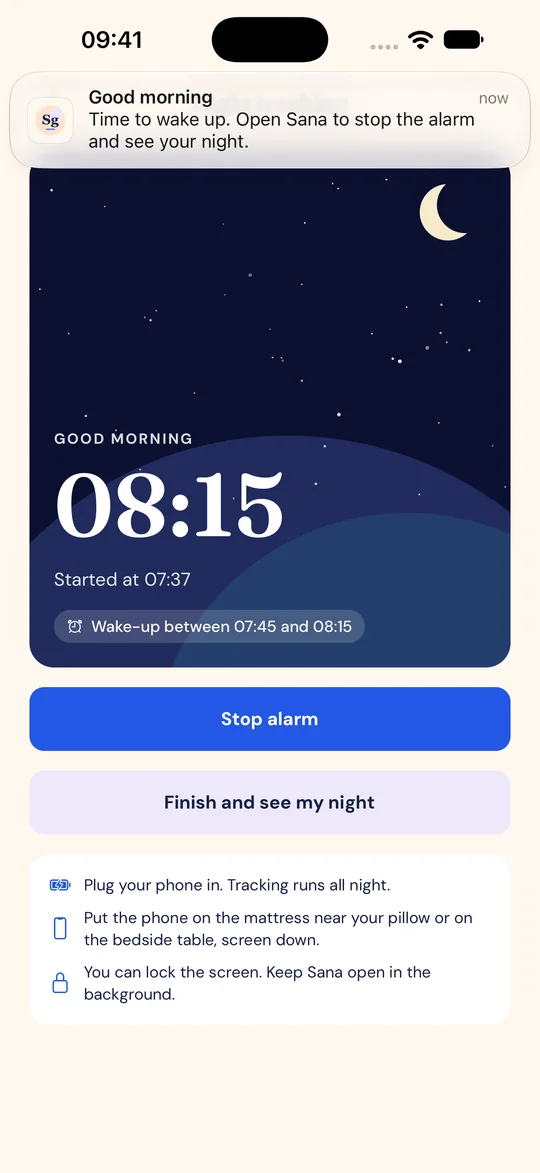
If you used night tracking on your phone, check whether snoring was detected and its estimated duration in your morning summary.
See the time you spent in REM and deep sleep when Apple Watch or another compatible source shares sleep stages.
Review your total sleep time, wake-ups and Sana sleep score. Compare them with how rested you felt in the morning.
Turn on sleep tracking on your watch. When your records appear in Apple Health on your iPhone, allow read access in Sana’s health settings. You can review the sleep stages and overnight measurements your watch shares.
Sana estimates sleep time and wake-ups from motion and detects snoring on your phone. You can set a wake-up time when you start tracking.
Your compatible device can share data through Health Connect. When your source provides them, you can review sleep stages, sleeping heart rate, heart rate variability, blood oxygen and breathing rate.
See your sleep duration, timing and wake-ups. Deep and REM sleep can appear when shared by a compatible source.
Review records from the last 7 or 30 nights. Ask the AI sleep coach about your logs and patterns.
Your phone analyses sound for snoring. Audio files are never stored or uploaded. A summary of the session can be saved to your account.
First check the Sleep section of Apple Health on your iPhone for that night’s stages. If they appear there, check that Sana has read access to sleep data, then reopen the app. Apple Health setup and device permissions
Phone tracking estimates sleep and wake-ups from motion. For stages such as deep and REM sleep, connect a compatible source that shares them.
Sana compares your sleep duration with your goal. When the data is available, it also considers how regular your sleep is, how much of your time in bed you spent asleep, and your sleep stages. Review the score alongside how you felt in the morning.